F-CUBED Log in

F³ / YOUR WORK. MADE FAIR.

PDF editing
is now fair.

Edit PDFs. Fill forms. Get on with your work.
Thoughtful Mac apps. One-time purchases.

A little less friction. A lot more possibility.

01 / THE DOCUMENT WORKSPACE

Less typing.
More done.

Open the form. Bring your information.
Let AI help with the repetitive part, then review the details before you share.

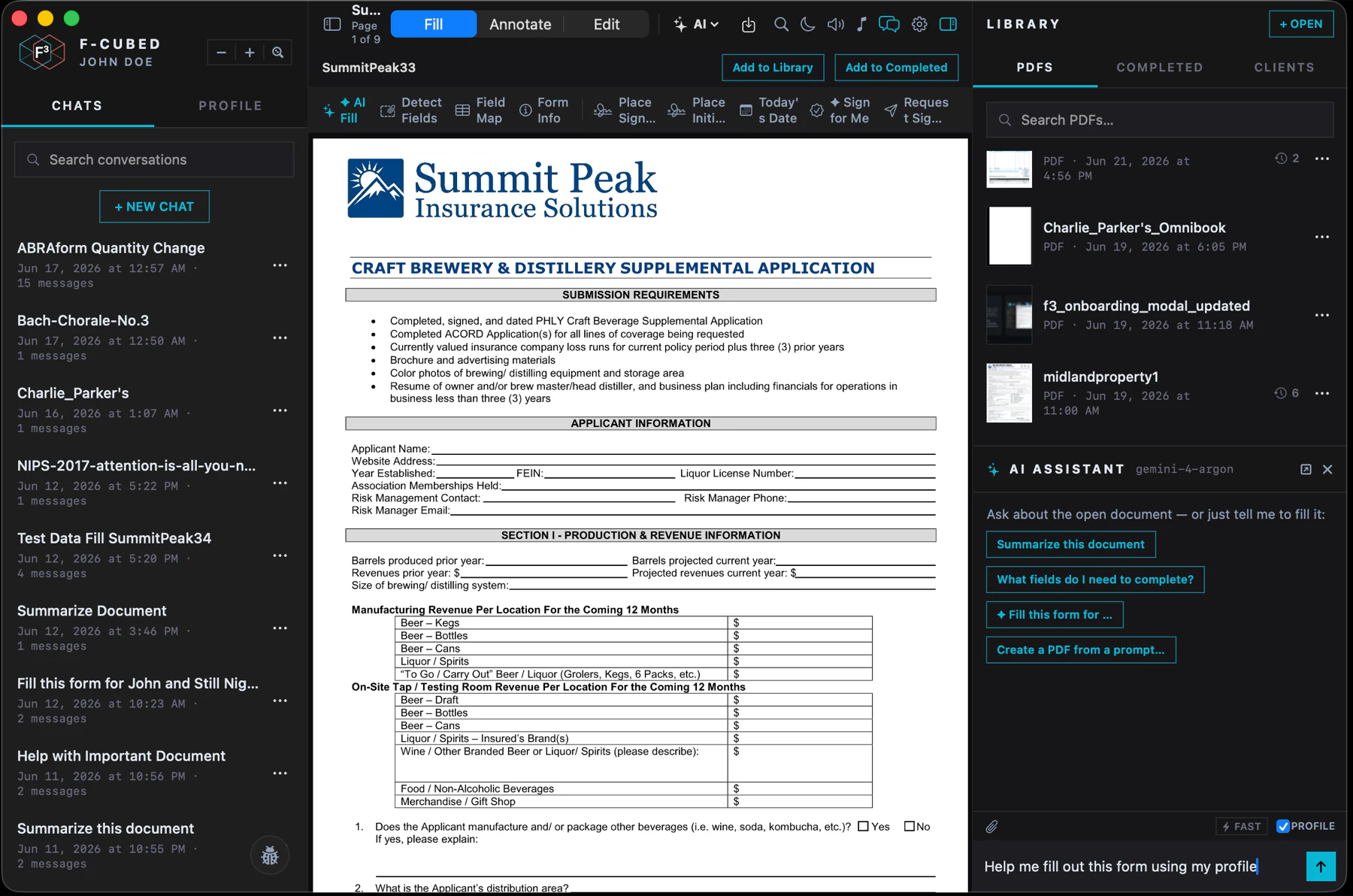
The F-cubed workspace with a Summit Peak application and a request to fill it using the saved profile
Your information, ready to use.A blank application and a simple request: “Help me fill out this form using my profile.”View full size

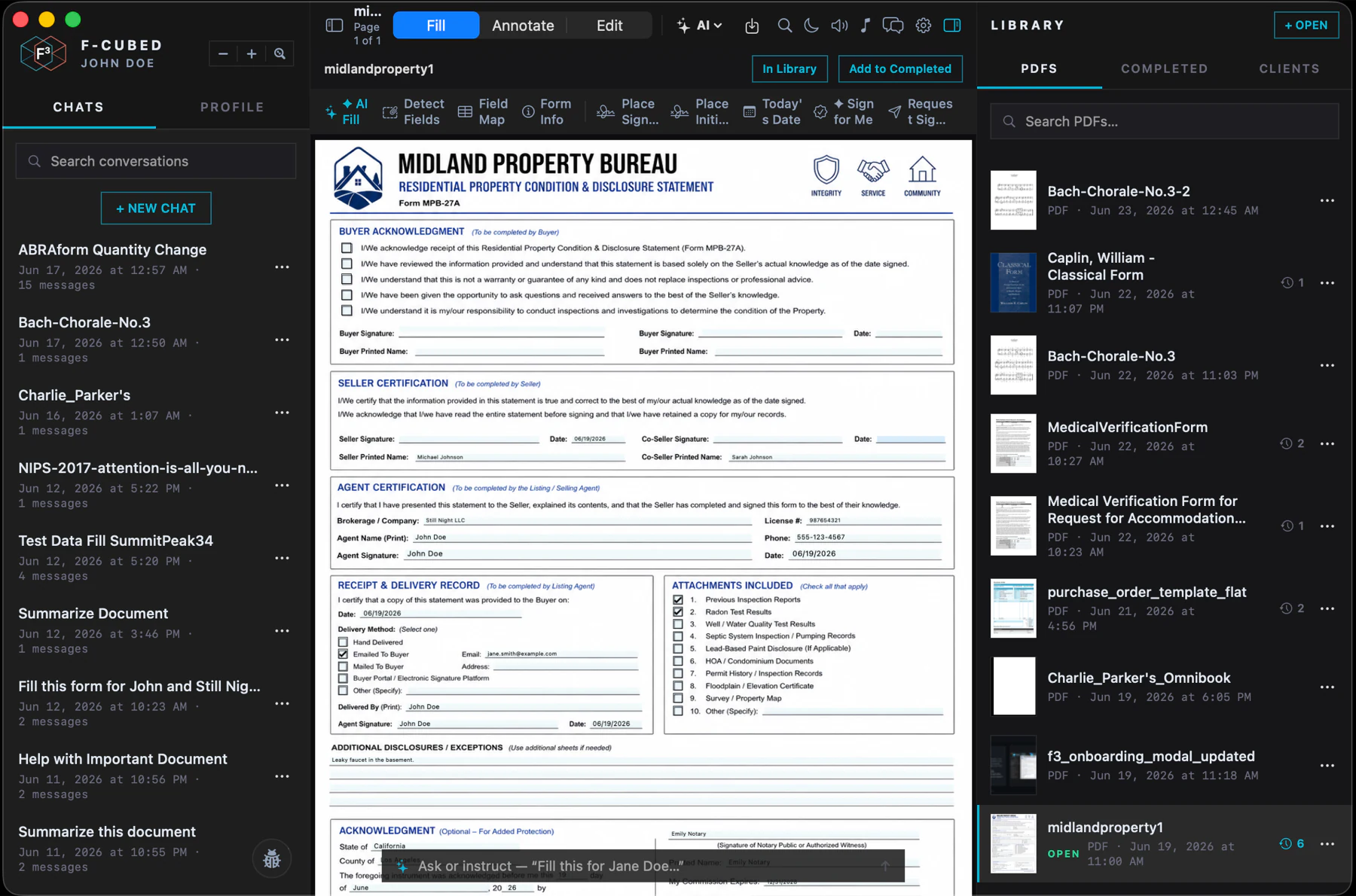
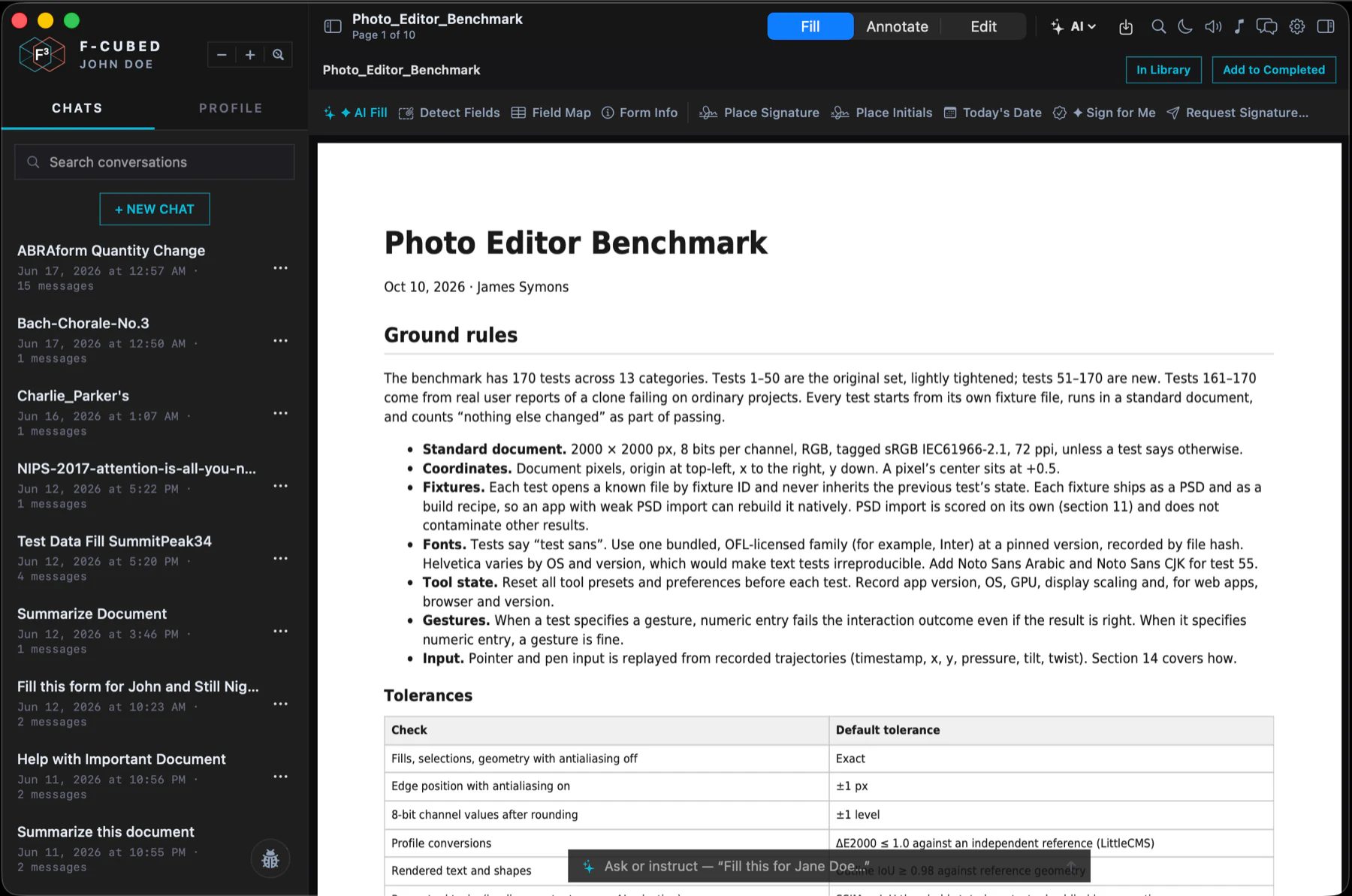
Actual F-cubed app screenshots with example data. F-cubed uses your cloud AI provider; choose FairPDF+ for AI that runs on your Mac.

Fill

Forms, dates, signatures.
Less repetitive entry.

Edit

Text, annotations, pages.
Keep your documents in order.

Choose

Local AI or your own cloud key.
Work the way that suits you.

02 / FAIRPHOTO

Make room
for imagination.

Detailed editing. Expressive lighting.
Layers that find their place in the scene.
See what one photograph can become.

Explore FairPhoto
A runner on a winding road through a dramatic mountain landscape, before editingThe photograph
Start with a great image.
The same mountain photograph edited in FairPhoto with warm light, color grading and typography placed behind the landscape using depthYour interpretation
Add light, color and a sense of depth.

Photo courtesy of ryanbreitkreutz. Edited in FairPhoto.

Serious tools.
A fair price.

Layers, masks, neural brushes and detail-preserving relighting. Local image and video generation, without per-generation credits.

$29.99 USD · one time
Download Free

Limited edition with a visible license-message watermark. Manual saving, export and printing are locked; recovery stays on.

Editor: macOS 13+. AI engine: Apple silicon, macOS 14+. MLX models: macOS 26.2+. Models download separately; memory needs vary.

03 / FIND YOUR FIT

Your work.
Your choice.

One-time app purchases.
Choose everyday PDF tools, local AI,
or the cloud provider you already use.

The everyday PDF editor

FairPDF

Fill, sign and edit PDFs by hand, right on your Mac.

$10 USD · one time
  • Edit fillable fields and add text
  • Annotate, sign and organize pages
  • OCR, redaction and PDF protection

macOS 13 or later · Apple silicon or Intel

Local PDF editing. No AI included.

Bring your own API key

F-cubed

A native PDF workspace with cloud AI using your own provider key.

$12 USD · one time
  • PDF editing and AI-assisted form filling
  • Connect your own supported API key
  • One-time app license for one Mac

macOS 13 or later · Apple silicon or Intel

Read the F-cubed terms before purchasing.

Internet required for AI. Provider usage is billed separately; AI content is sent to the provider.

A CLOSER LOOK / DOCUMENTS

Your PDF work. Your choice.

Familiar document tools, with a choice of local editing, local AI or your own cloud key.

Scroll across to compare all five columns

FairPDF, FairPDF+, F-cubed BYOK and a subscription PDF editor compared. Checked October 6, 2026.
What you needFairPDFEVERYDAY EDITINGFairPDF+LOCAL DOCUMENT AIF-cubed BYOKYOUR CLOUD KEYSubscription PDF editorPAID DESKTOP PLAN
Purchase$10 once$20 once$12 onceProvider usage extraRecurring subscription
Fill forms & add signaturesYesYesYesYes
Edit, annotate & organizeYesYesYesYes
OCR, redaction & protectionOn-deviceOn-deviceOn-deviceIncluded desktop tools
Document AINo AIForm filling & document chatForm filling & document chatQuestions, summaries & chat-based editsAI access depends on plan
Where AI runsNot applicableOn your MacYour cloud providerInternet requiredCloud servicesInternet required
Office exportLocal convertersLocal convertersLocal convertersIncluded
Desktop platformMacApple silicon MacmacOS 26.2 or laterMacMac & Windows

FairPDF+ runs document AI locally; 32 GB RAM is recommended. Review AI-filled fields before sharing. F-cubed sends AI content to your provider, which bills usage separately. Signature placement is distinct from a remote signing service. Office conversion results depend on the document.

Comparison scope & sources

Checked October 6, 2026. Each named column describes one Mac app. The subscription column describes one paid desktop PDF product, not every subscription editor or every plan. AI access and services can vary by plan and region. All listed apps support offline desktop editing; the reference subscription requires periodic online license checks.

A DIFFERENT KIND OF SOFTWARE

Powerful by design.
Fair by choice.

Good tools should help you get on with your work. Our Mac apps bring document editing, photography and AI into focused workspaces, with one-time prices and a choice of where your AI runs.

Talk to us

A FEW DETAILS

Good to know.

Are these subscriptions?

No. FairPDF is $10, FairPDF+ is $20, F-cubed BYOK is $12, and FairPhoto is $29.99. All prices are in USD for a one-time app purchase. F-cubed's cloud provider charges are separate.

What is included in FairPhoto Free?

The free edition shows a visible license-message watermark and keeps manual saving, export and printing locked. Automatic recovery remains available. It includes three film looks, Oil Painting and Watercolor Artistic AI effects, and the Watercolor neural brush. No card is required. See the free edition, or buy a license to unlock the full app.

Which PDF app keeps AI on my Mac?

FairPDF+ runs its AI locally on Apple silicon. FairPDF is a local editor without AI. F-cubed BYOK uses your cloud API key and sends AI requests and relevant document content to that provider.

What does “local” mean here?

FairPDF+ processes your documents with models on your Mac. Downloads, update checks and checkout require internet access. FairPhoto includes its AI engine; image and video models need an initial download. Optional cloud services in FairPhoto send selected content to the chosen provider. Optional connected features in FairPDF and cloud AI in F-cubed use the network.

Will every AI-filled field be correct?

No AI tool can promise that. Review names, dates, numbers, checkboxes and field placement before saving or sharing a completed form, especially on scans and flattened PDFs.

What hardware do I need?

FairPDF and F-cubed require macOS 13 or later. FairPDF+ 1.1 requires macOS 26.2 or later and Apple silicon; 32 GB memory is recommended. FairPhoto’s editor runs on macOS 13 or later. Its included AI engine requires Apple silicon and macOS 14 or later; MLX models require macOS 26.2 or later. Larger AI models need more memory and disk space.

Already have a web subscription or an app?

Existing web customers can sign in here. These new app prices do not change an existing subscription. Keep using your current installed app; contact support for help with a prior purchase.